Free · Private · No account
Simple Free Site Blocker
A focus & site blocker for Chrome. Pick the sites that pull you away, start a focus session, and they’re blocked until the timer ends. Then take a break.
Add to Chrome — free
Simple Free Site Blocker is a Chrome extension (it also installs in Edge, Brave and other Chromium browsers). Open this page in one of those to add it.
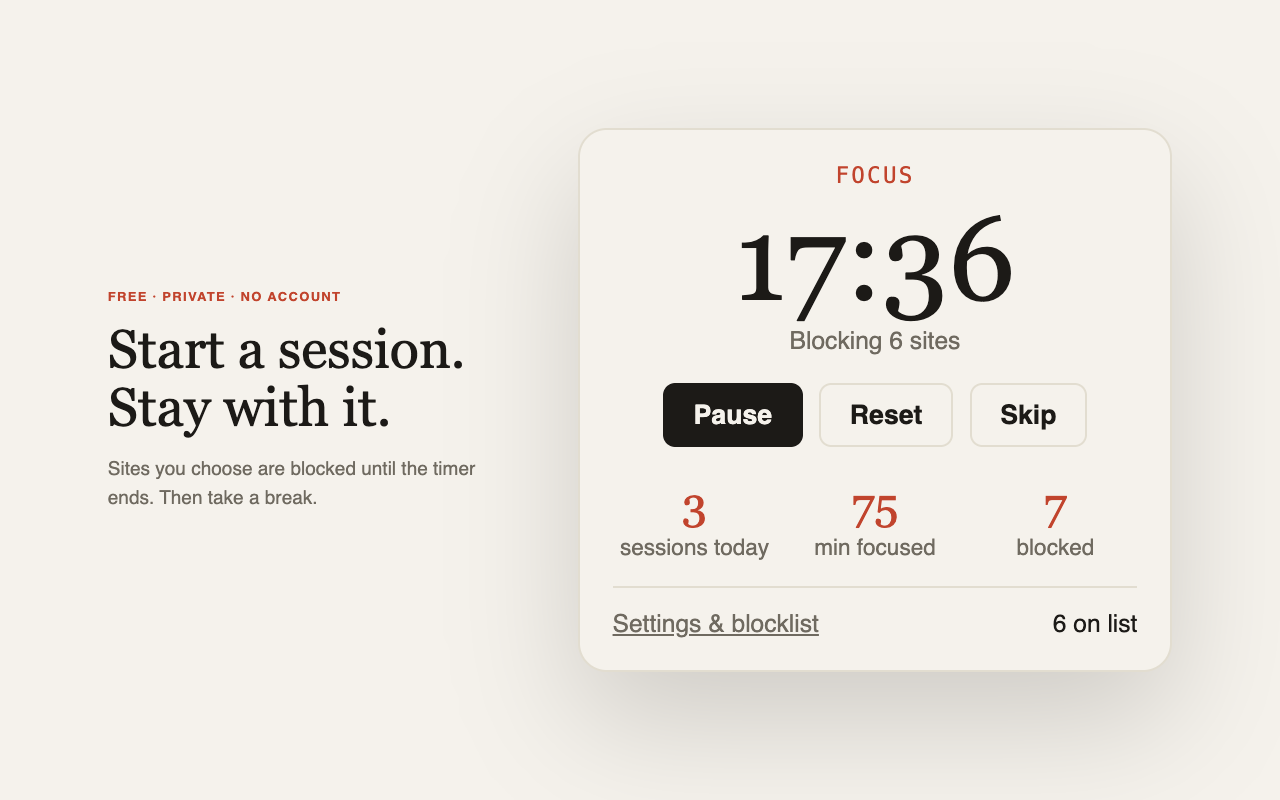
Start a session from the toolbar icon.
What it does
- Timed focus sessions — 25 minutes by default, with a short break after each one. Press Start once (in the toolbar popup or in Settings) and it runs the number of focus + break cycles you choose, then stops by itself. All the lengths are yours to change.
- Block the sites you choose — one-click quick-add by category (Social, Gaming, News & entertainment), or paste a whole list at once. A site also blocks its subdomains.
- Already open? Moved. Tabs open on a blocked site are moved to a calm “Stay with it” page when a session starts.
- Your own numbers — sessions completed, minutes focused, distractions blocked, kept on your device.
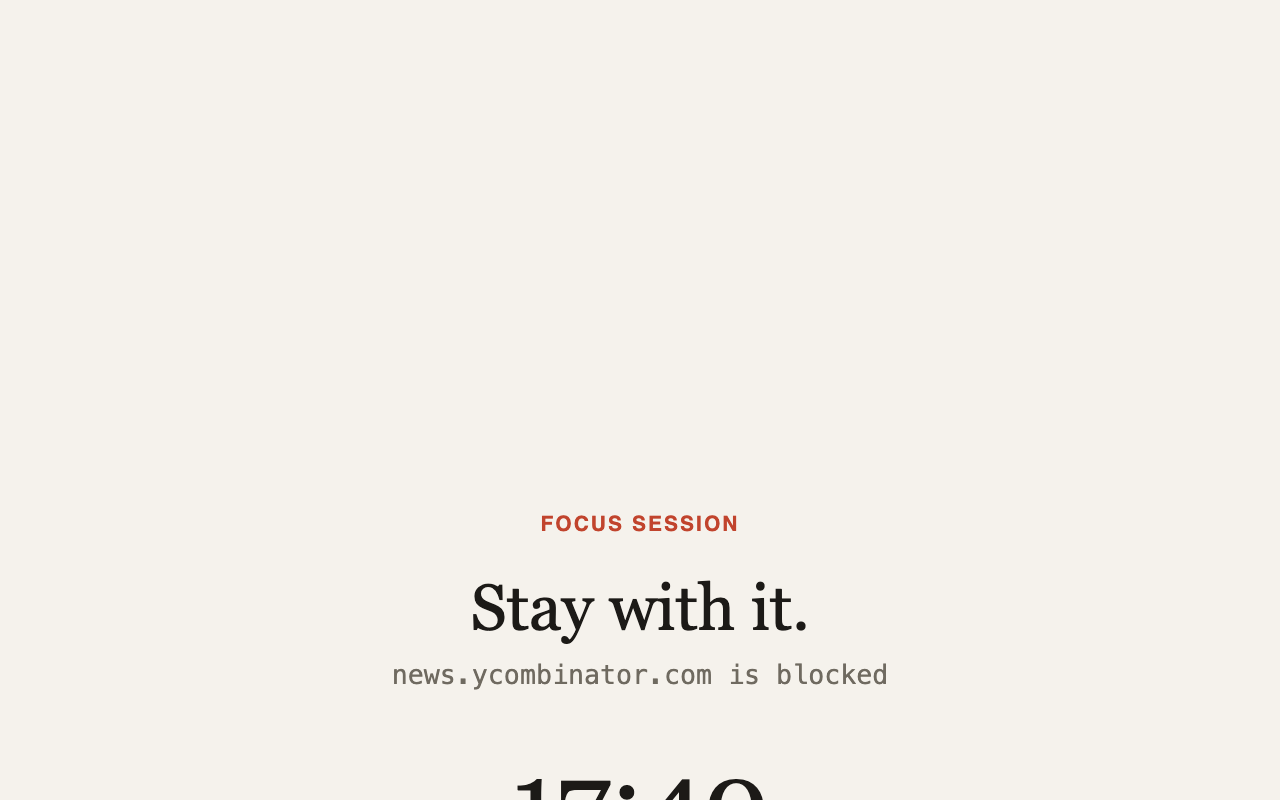
What you see instead of the distraction.
Private by design
Everything stays in your browser. Simple Free Site Blocker has no servers, no accounts and no analytics, and it never sends your blocklist or browsing anywhere. Read the full privacy policy.
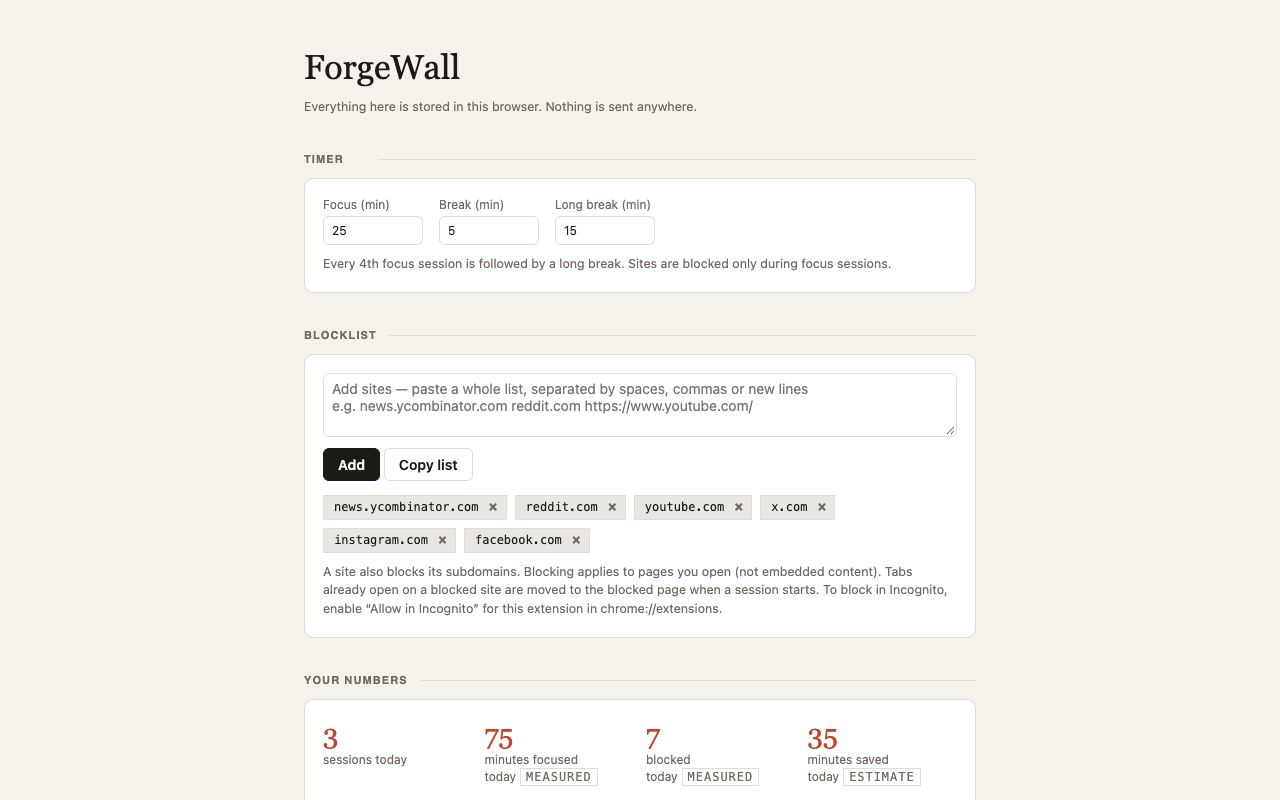
Settings: timers, a Start button, the blocklist and your numbers.
Honest about what it is
This is a self-control tool, not a lock: you can always turn the extension off (there is no Pause button, on purpose). “Time saved” is an estimate (blocked attempts × a number of minutes you set), and it’s labelled as one next to the numbers that are actually measured.